AI Vector Generator for Laser Engraving and Laser Cutting
Vectorisize is an AI-powered image to vector converter built for laser engraving, laser cutting, CNC routing and plotter workflows. Upload a JPG, PNG or WebP and instantly generate a clean SVG file with closed paths, smooth curves and crisp outlines that import flawlessly into any laser engraving software. Whether you are a small Etsy seller producing wooden coasters, a maker designing acrylic keychains, or a workshop running batches of personalised gifts, our laser-ready SVG generator removes hours of manual tracing from your production pipeline.
Traditional vectorisation tools force you to fight with thresholds, noise, ragged edges and broken paths. Vectorisize uses generative AI trained on real engraving and cutting artwork to produce optimised vectors on the first try. The result is a laser engraving file that is ready to engrave, score or cut without spending another thirty minutes cleaning up nodes, joining open paths or removing stray fragments inside your design software.
Convert Photos to SVG for Wood Engraving, Acrylic and Leather
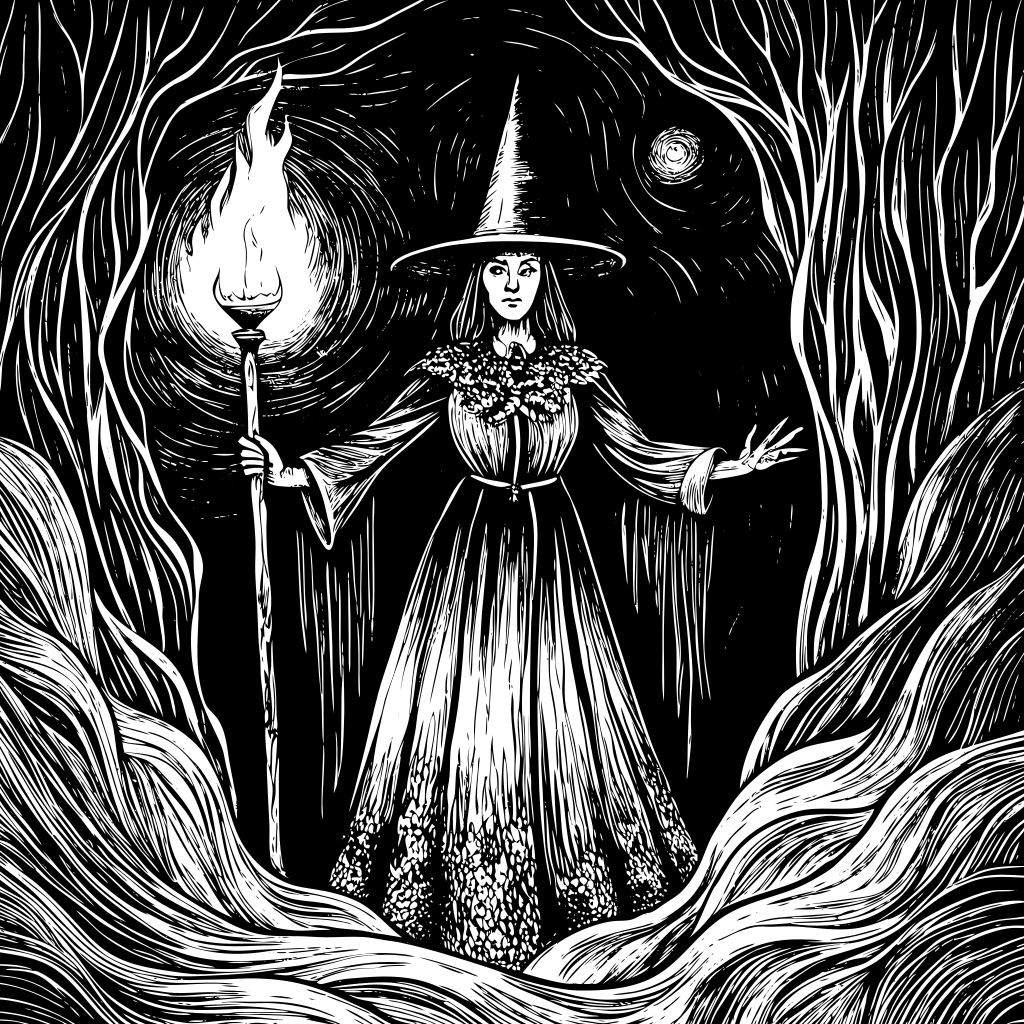
Different materials demand different vector styles. Wood engraving and basswood plaques look stunning with our Engraving and Linocut presets, where bold contrast and deep shading translate beautifully under a diode or CO2 laser. For acrylic signage, jewellery and earrings, the Line Art style produces thin single-stroke paths that cut cleanly without melting edges. Leather patches, name tags and pet collars benefit from the General preset, which balances detail with the lower resolution that vegetable-tanned leather can hold under a laser beam.
For slate coasters, anodised aluminium tags, glass tumblers, MDF puzzles, cork pads, faux leather wallets and powder-coated tumblers, the same source image can be regenerated in multiple styles with one click. This makes Vectorisize an ideal SVG generator for laser engraving small businesses that sell across many product categories and need consistent artwork across their entire catalogue.
Compatible With Every Laser Cutter and Engraver
Vectorisize exports standard SVG files that work with every popular laser engraver, including diode lasers, CO2 lasers, fiber lasers and galvo lasers. The SVG output is a universal vector format that loads into any modern laser control software, slicer or design suite without conversion. Because paths are closed and strokes are predictable, you can easily assign engrave, score and cut layers by colour or stroke width inside your preferred laser workflow.
If your machine prefers DXF, you can open the generated SVG in any vector editor and re-export to DXF in seconds. The clean topology produced by our AI vector tracer means fewer self-intersections, fewer duplicated nodes and far less risk of the laser head retracing the same line twice, which translates directly into faster job times and longer tube or diode life.
From Photo to Engrave-Ready Vector in Three Steps
Step one: drop any image into the upload area, whether it is a portrait, pet photo, logo, sketch, tattoo design, mandala, geometric pattern or hand drawn illustration. Step two: choose a style that matches your material and the level of detail your laser can resolve. Step three: download the SVG and send it to your laser engraving software. The entire workflow takes under a minute, which means you can prototype dozens of design variations before committing material to the bed of your machine.
Common use cases include personalised wedding gifts, custom coasters, ornaments, keychains, jewellery, signage, awards, business cards, bookmarks, puzzle pieces, model kits, leather patches, pet ID tags, memorial plaques and bulk wholesale orders. Vectorisize is equally suited to hobby projects on a small desktop laser and to commercial production runs on industrial-class engravers.
Why AI-Generated Vectors Beat Traditional Image Tracing
Classical raster to vector tracers rely on edge detection and colour quantisation, which works well for clean logos but falls apart on photographs, sketches and noisy scans. Our AI vector generator interprets the subject of the image first, then draws shapes the way a human illustrator would, emphasising silhouette, simplifying detail and producing strokes that respect the kerf, beam width and minimum feature size of a laser cutter. The result is a laser engraving SVG that looks intentional rather than computer traced.
With multiple styles, fast generation and predictable laser-ready output, Vectorisize is the fastest way to turn an idea into a finished engraved product. Usage rights and licensing of generated artwork are the user's responsibility, so review the terms of use before reselling or distributing the resulting designs.
 Vectorisize